When would you need QuickQ?
Friday-night binge sessions, weekend gaming with friends, business trips where you still need your work files, or just extra peace of mind on café Wi-Fi — QuickQ fits all of these.
BINGE · GAME · WORK · GO
QuickQ picks the route for you. All that's left is enjoying the internet.
QUICK ANSWER
Quick answer: QuickQ is a VPN client that takes the hassle out of going online. Binge overseas shows without the spinning wheel, game on foreign servers without lag, and stay connected on business trips — the route-picking is already done for you. It runs on Windows, macOS, iOS, Android and Linux, one account covers 3 devices, and new users get a free trial first.
Friday-night binge sessions, weekend gaming with friends, business trips where you still need your work files, or just extra peace of mind on café Wi-Fi — QuickQ fits all of these.
Traffic is encrypted, your real IP stays hidden, and browsing history, traffic destinations and DNS queries are never stored. Full details in the Privacy Policy.
Try it free first. If you like it, plans start at ¥49/month, and the annual plan is ¥198 with 50% off right now — about ¥16.5/month for 3 devices. The plan comparison makes it obvious.
GLOBAL NODES
No route research needed — QuickQ chooses for you.

Japan, South Korea, Singapore, the US, the UK, Germany, Australia — the places people actually go are covered. Smart routing compares latencies in real time and takes the fastest path, so you never have to test them one by one.
WHY QUICKQ
Smart route matching means 4K video plays without waiting for the buffer to finish.
Routes tuned for popular titles keep your inputs and the picture in sync.
No browsing activity is ever written down. Your footprints are yours.
One account covers Windows, Mac, iOS, Android and Linux.
144 FPS · LOW LATENCY
The network is tuned for popular FPS and console titles — you handle the plays, QuickQ handles the connection. Smart routing keeps watching line quality in the background and switches the moment a path gets congested, so clutch moments never drop.
Explore features →

SMART MODES
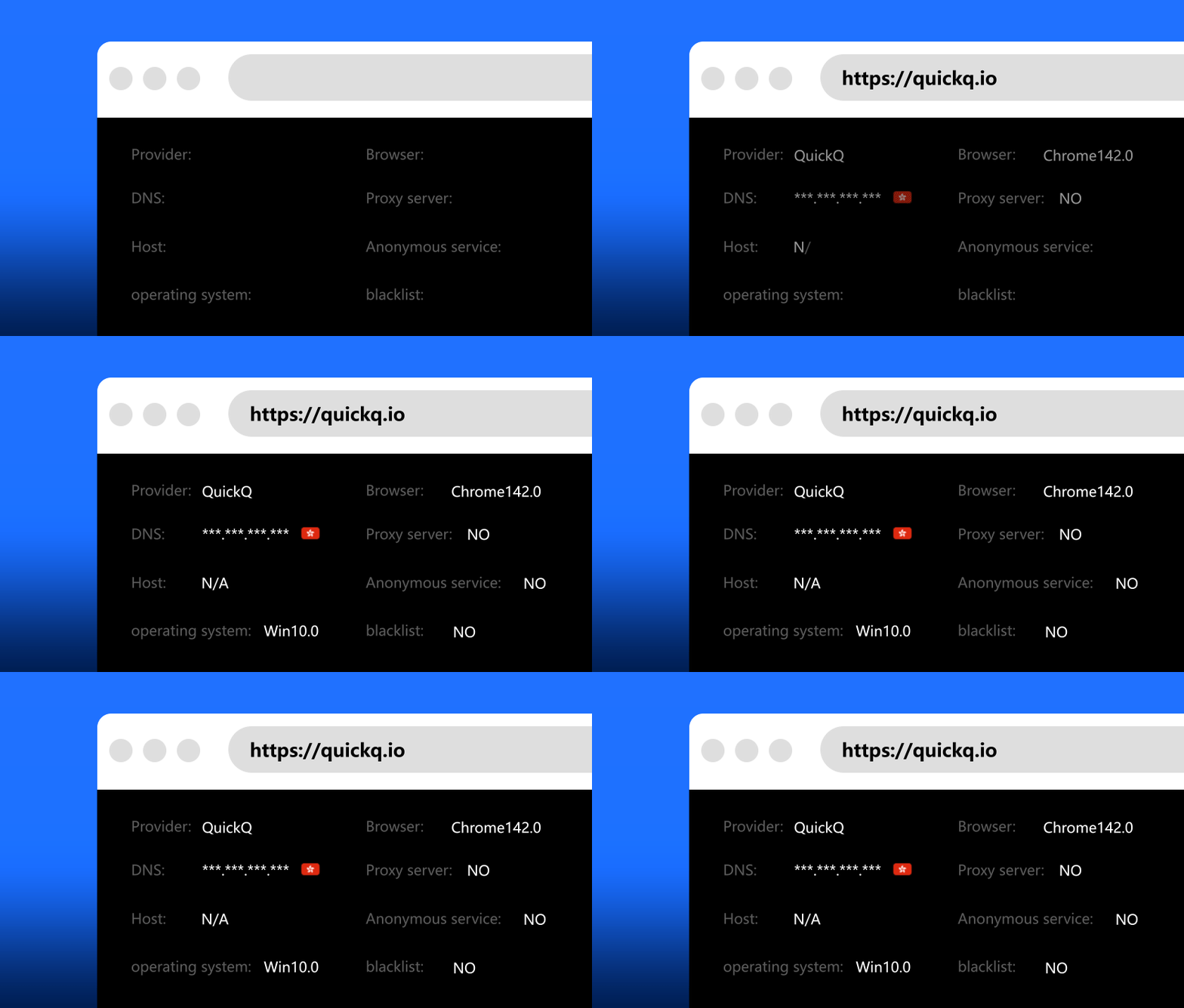
Accelerated traffic takes the dedicated route, everything else stays direct — speed and stability, both covered.

Everything encrypted, real IP hidden — café Wi-Fi included.
FAQ
The six most common questions, answered straight.
Yes. There are clients for Windows 10/11, macOS 11+, iOS 14+, Android 8+ and Ubuntu/Debian Linux, and one membership keeps 3 devices online at once.
Try it free first. Plans are ¥49 monthly, ¥99 quarterly and ¥198 annually — annual is 50% off right now, about ¥16.5/month. See the pricing page.
No. Browsing history, traffic destinations and DNS queries are never recorded — what you watch is yours alone.
Check your own network first, then try a different location, or restart the app. Still stuck? The tutorial and support team can help.
QuickQ keeps routes optimized for streaming and popular games, and smart routing automatically picks low-latency paths. Actual speed depends on your region and network.
Grab the installer for your device from the official download page, sign in with your membership account and hit connect. That's it.
Leave the network stuff to QuickQ
Page last updated: October 11, 2026